
Improve Client Communication for your Veterinary Clinic with SMS
SMS integration removes the weakest link in client communication, which is a busy person remembering to send reminders. Messages are triggered from the appointment and the patient record, arrive where clients actually read them, and are logged against the case so the next person can see what was said.
Patient no-shows are a common problem that most veterinary practices face.
The incidence is generally higher when appointment bookings are handled manually –
reminders are typically the onus of the staff who need to ensure that clients are
reminded of their upcoming appointments well in advance. Such manual dependencies
often cause errors especially when the staff get held up with other work and forget
or fail to send timely reminders to clients.
Short Message Service, popularly known
by the acronym SMS, is a simple but effective tool that helps bring down patient
no-shows through quick reminders. Through a veterinary practice management software,
veterinarians can send SMS-es to clients directly from the portal, without the need to rely on a standalone
software.
Here’s a look at what your veterinary clinic can achieve from SMS communication.
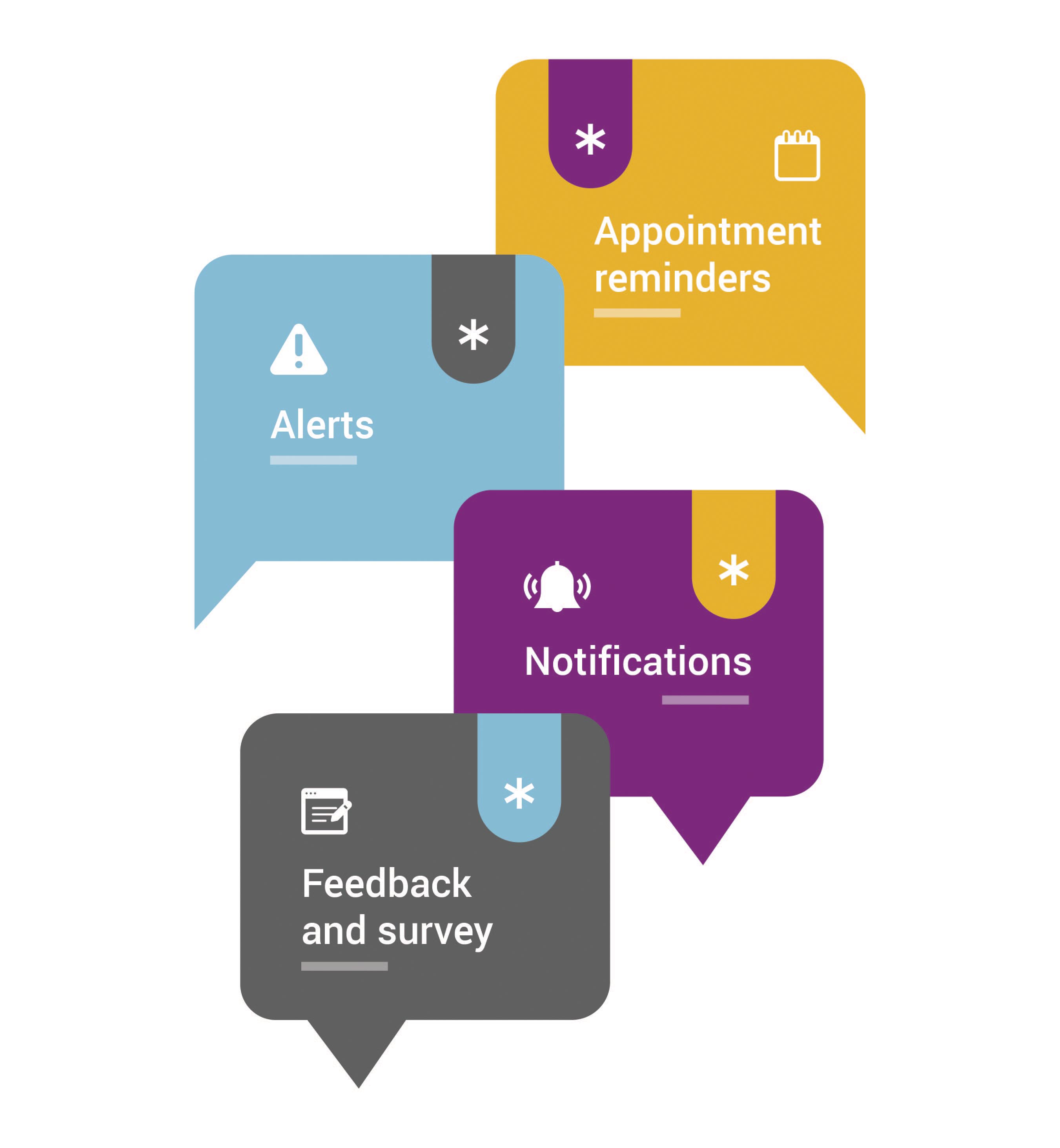
1. Appointment reminders
Two-way SMS-es that remind clients about upcoming appointments, and allow them to confirm, reschedule, or cancel
such appointments. The messages can also include click-through web links that redirect users to payment gateways
or other web pages as needed.
2. Alerts
Critical and real-time SMS triggered in the event of an emergency, cancellation, fault, and so on.
3. Notifications
General communication, transactional messages, and updates about events, offers, changes to general business
communication or details etc. Such notifications can also be scheduled in bulk for mass broadcast. These kind
of text messages can also be used to share test results of pets, communicate about payments pending or
received, and so on.
4. Feedback and survey
Text messages are also powerful tools that can be used to collect feedback on the clinic’s function.
As a marketing tool, Message Media service helps clients rate their experience through follow-up messages
requesting feedback or an SMS review. Such campaigns are easy to implement and help you measure customer
satisfaction with ease.
Easy Communication through VETport SMS Integration
VETport makes it easy for you to communicate with your clients from time to time. The software also lets you
custom design templates and give text messages a personal touch.
All such SMS-es can be sent from within the
system, by simply clicking the "Send Message" option that appears next to every client’s contact detail.
Combined
with other forms of communication such as emails and postcards, VETport’s text messaging features equips your
practice with increased power and enables you to transform your business for better outcomes.
Why manual reminders fail
Manual reminders depend on somebody having a quiet moment, and in a veterinary practice there is no quiet moment. The list gets started on a slow Tuesday, abandoned when two emergencies arrive, and resumed on Thursday for the appointments that have already happened. The failure is not carelessness, it is that the task competes with clients standing at the desk. Automation wins because it does not have to make that choice.
What to send by text, and what not to
Text suits logistics: appointment confirmations, reminders, prescription ready notices, normal results and short instructions. It does not suit bad news, treatment decisions or anything requiring a conversation. Practices that get this line right find the phone rings less without anyone feeling processed. Practices that get it wrong deliver a difficult message to someone standing in a supermarket queue.
Templates that still sound like your practice
Custom templates are what stop automated messages sounding automated. Use the pet's name, keep to one topic, say clearly what you want the client to do, and sign it with the practice rather than a system. A message that reads like a person wrote it gets answered; a message that reads like a database gets ignored.
Keep the trail in the record
Every message sent should be recorded against the client and patient, so anyone picking up the case can see what was already said. That trail is what turns texting from a convenience into a clinical record, and it is why messages should go through the practice system rather than from a member of staff's own phone.

